Recognizable controls
Plain labels help you find the everyday task you came to do.
Built over roughly two years by an independent restaurant owner who still works behind the counter. MenuSpace puts substantial restaurant tools into straightforward, familiar browser screens.
Ever posted something for sale online? You've already learned many of the basics. Upload a picture, write a description, set a price, and save. That's much like adding an item to your MenuSpace menu.
Routine menu management doesn't require programming. There is still a system to learn, but everyday tasks use recognizable controls.
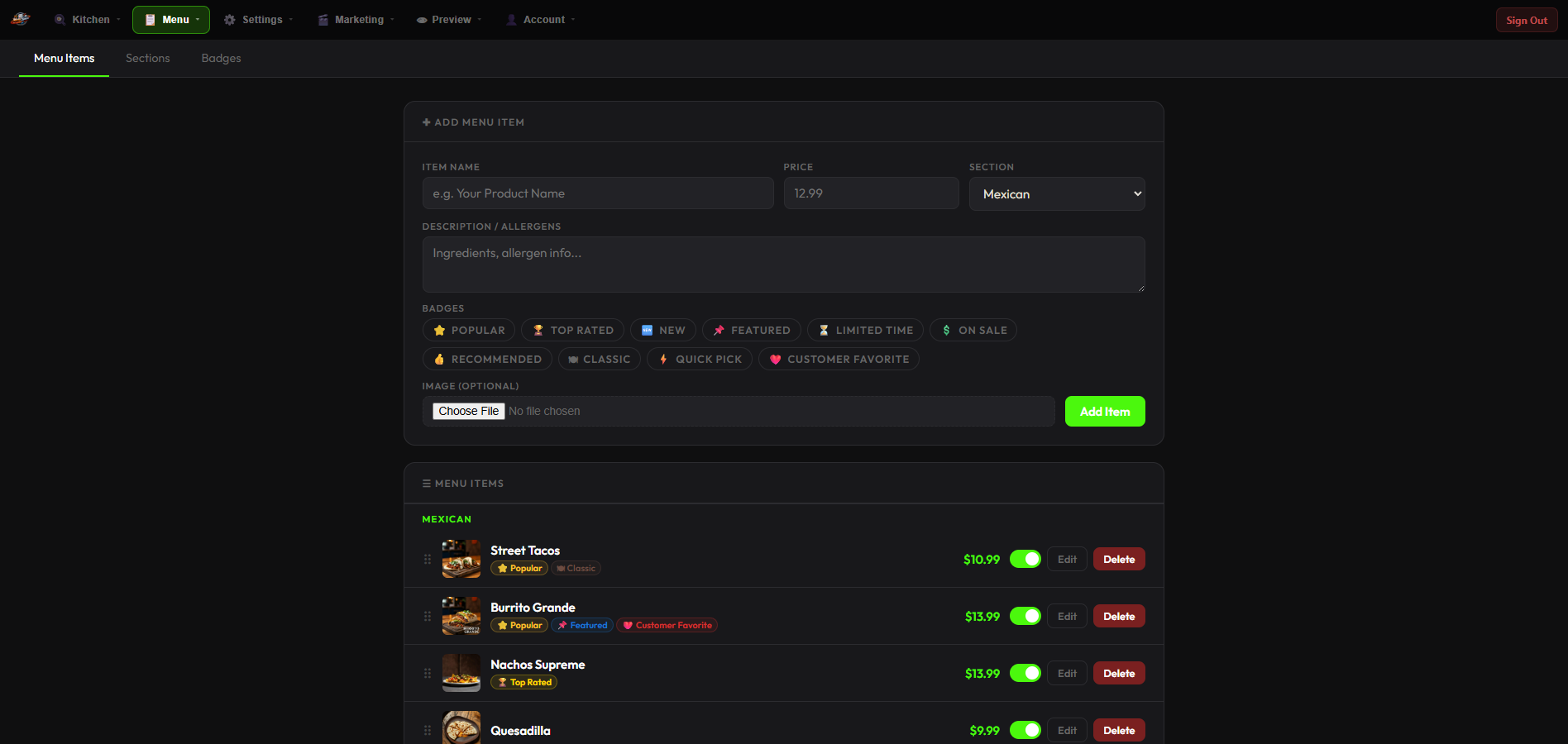
When the phone is ringing and customers are waiting, you shouldn't have to figure out your software. MenuSpace puts everyday tasks behind clearly labeled controls.
Plain labels help you find the everyday task you came to do.
Related tools stay together so you can follow a straightforward workflow.
If you lose your place, use the Dashboard button to return to familiar ground and launch your next task.
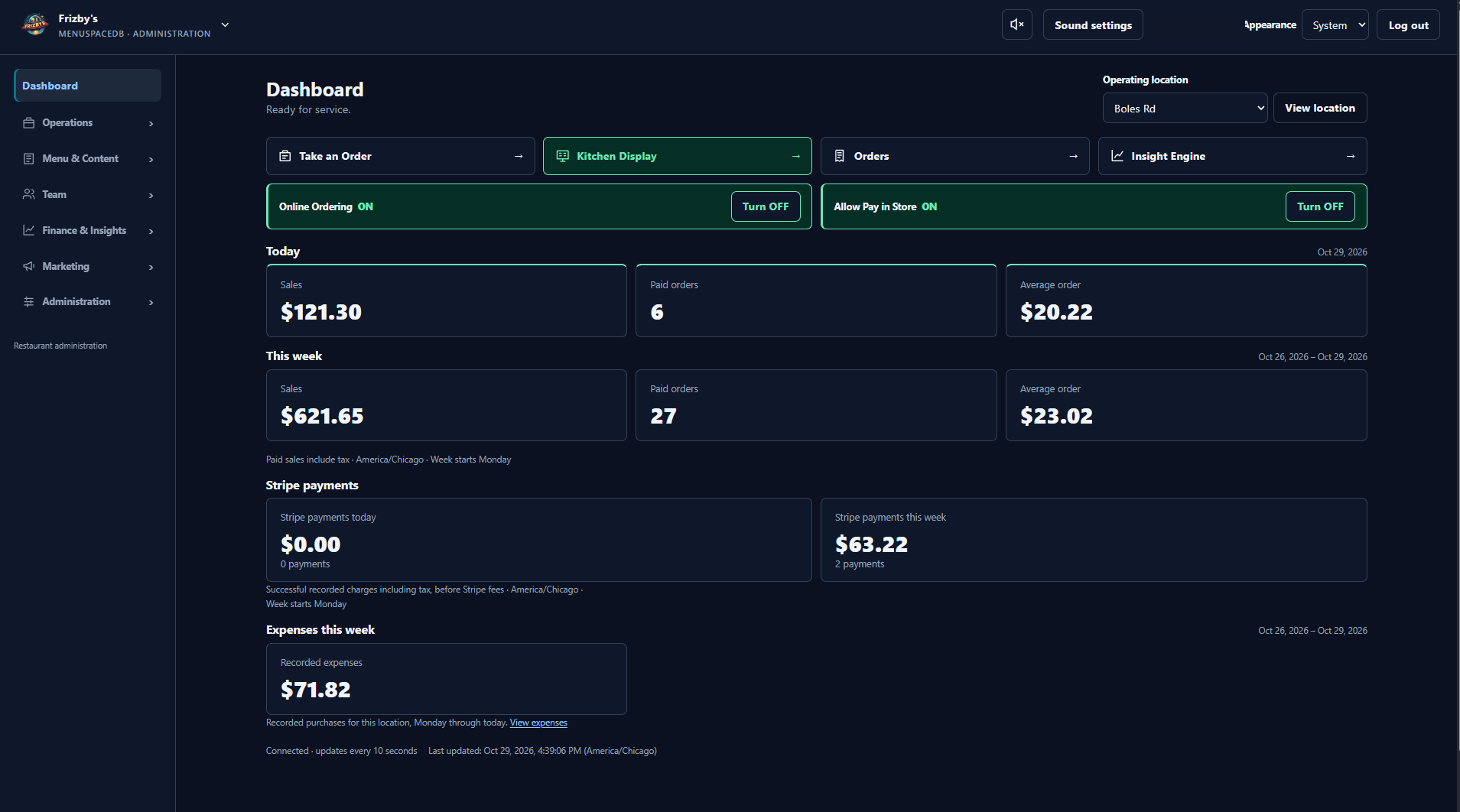
The founder's daily routine at his own restaurant was simple:
That routine took approximately three minutes at Frizby's. It describes a normal daily startup after setup, not installation or building a menu. Your routine and timing will depend on your setup.
MenuSpace administration runs in a web browser on compatible equipment. You don't need a proprietary hardware package for ordinary administration.
A real equipment example, not a required shopping list or a current price quote.
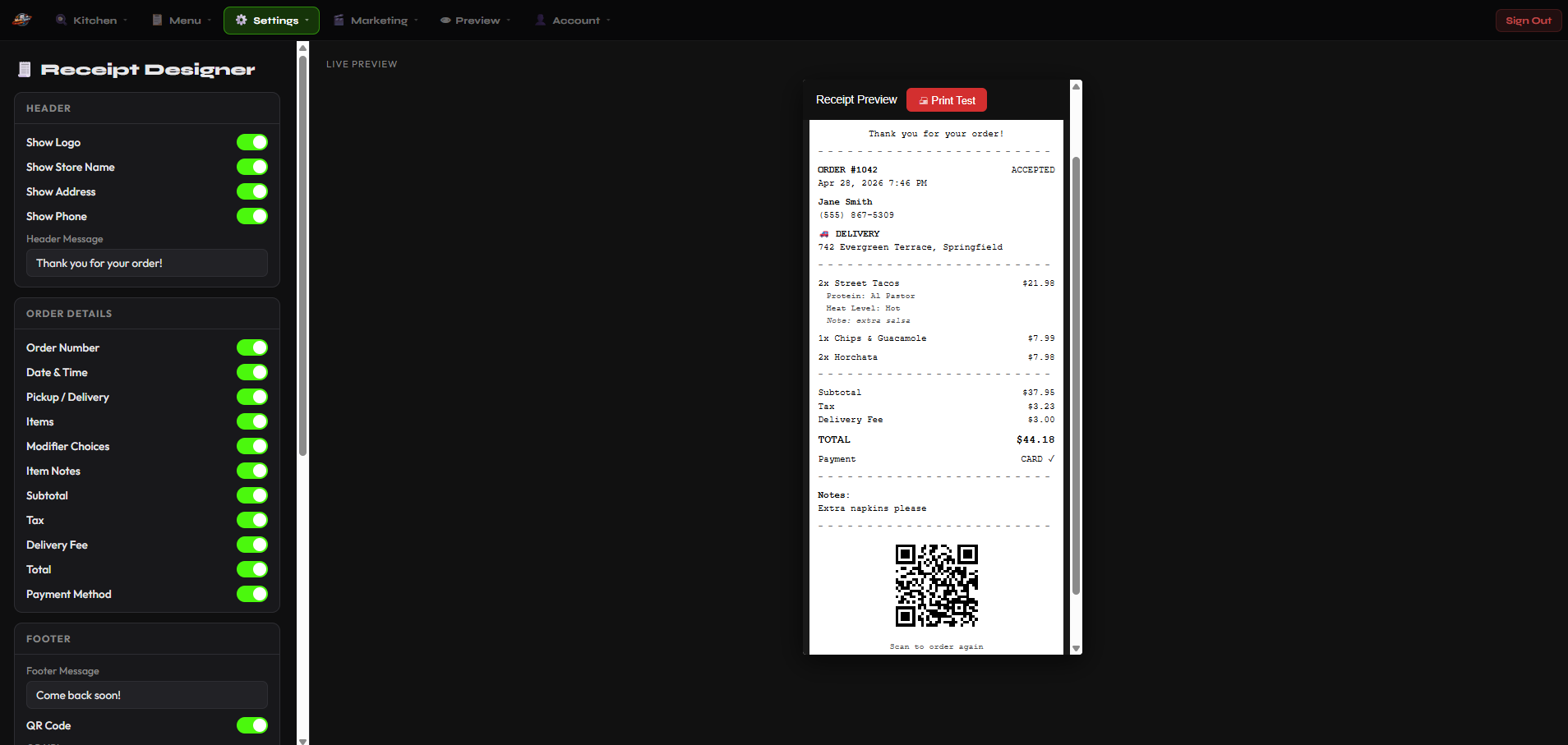
Choose a product for the tools you need. Here is how those tools fit together.
Add pictures, descriptions, and prices.
Accept online orders. Mobile focuses on pickup; available ordering options depend on your product.
Follow incoming orders through preparation. Mobile keeps it simple with New, Working, and Ready.
Show menus on digital screens. Pro includes enhanced signage and media tools.
Use POS, receipt printing, and compatible cash drawer functionality with the right configuration.
Go provides straightforward sales reporting. Pro adds advanced analytics and Insight Engine financial and operational reporting.
Your MenuSpace software needs a place to live online so you and your customers can reach it. That's called hosting. Think of it as the computer that keeps your website available on the internet.
Choosing a product doesn't automatically purchase a license or select a hosting plan.
Menus, online pickup orders, location updates, and simple kitchen order management for food businesses without a permanent storefront.
Explore Mobile →POS, online ordering, kitchen display, receipt printing, digital signage, location mapping, and straightforward sales reporting. No database required.
Explore Go →Comprehensive restaurant management with POS, kitchen tools, receipt printing, enhanced signage, advanced analytics, and Insight Engine reporting. Database-driven.
Explore Pro →Explore MenuSpace Pro Features →Pro supports hosted and self-hosted installations. Hosting arrangements for Mobile and Go still need confirmation. Check product-specific availability and service terms before choosing hosting.